● 100% Free · Mac & Windows

You're on your way to better metadata.

Download the free TrackView PLUS Metadata Editor, built especially for sync musicians like you.

On Windows, pause BitDefender or other anti-virus software before you install. Need a hand? Email support@trackstage.io.

The TrackView icon with Wigit, TrackView's little helper

Once it's installed

Drag. Edit. Tag.

1

Drag a track onto the window

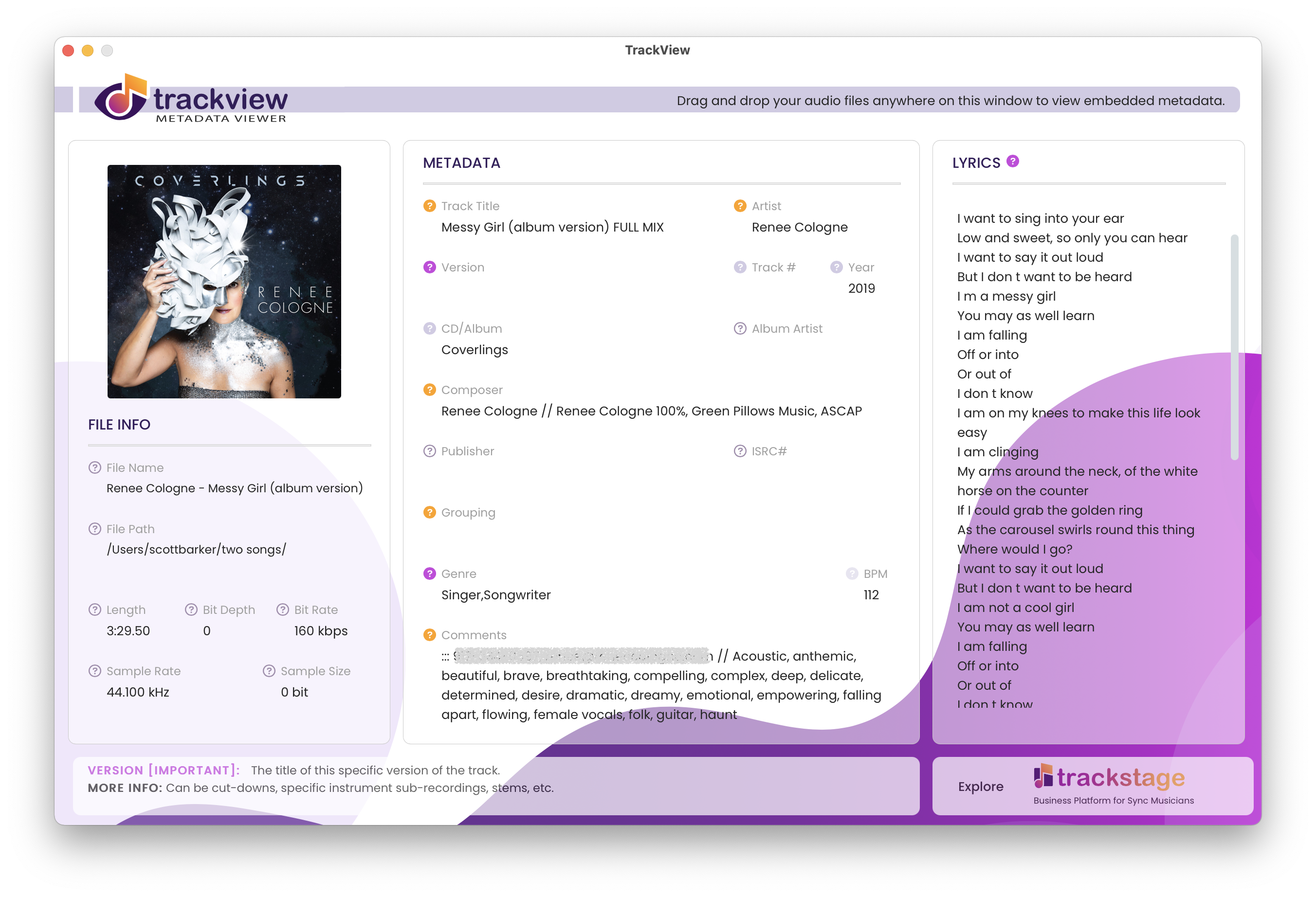
The metadata that matters for sync appears instantly: track name, artist, composer, grouping, description, artwork and more.

2

Click Edit Metadata

The fields open up so you can fill gaps and fix mistakes right there, with tips beside every field.

3

Click Tag Track

Your changes are written straight into the audio file. Done. On to the next one.

TrackView PLUS showing a track's metadata

You clearly care about your metadata

Now take control of the rest of your music business.

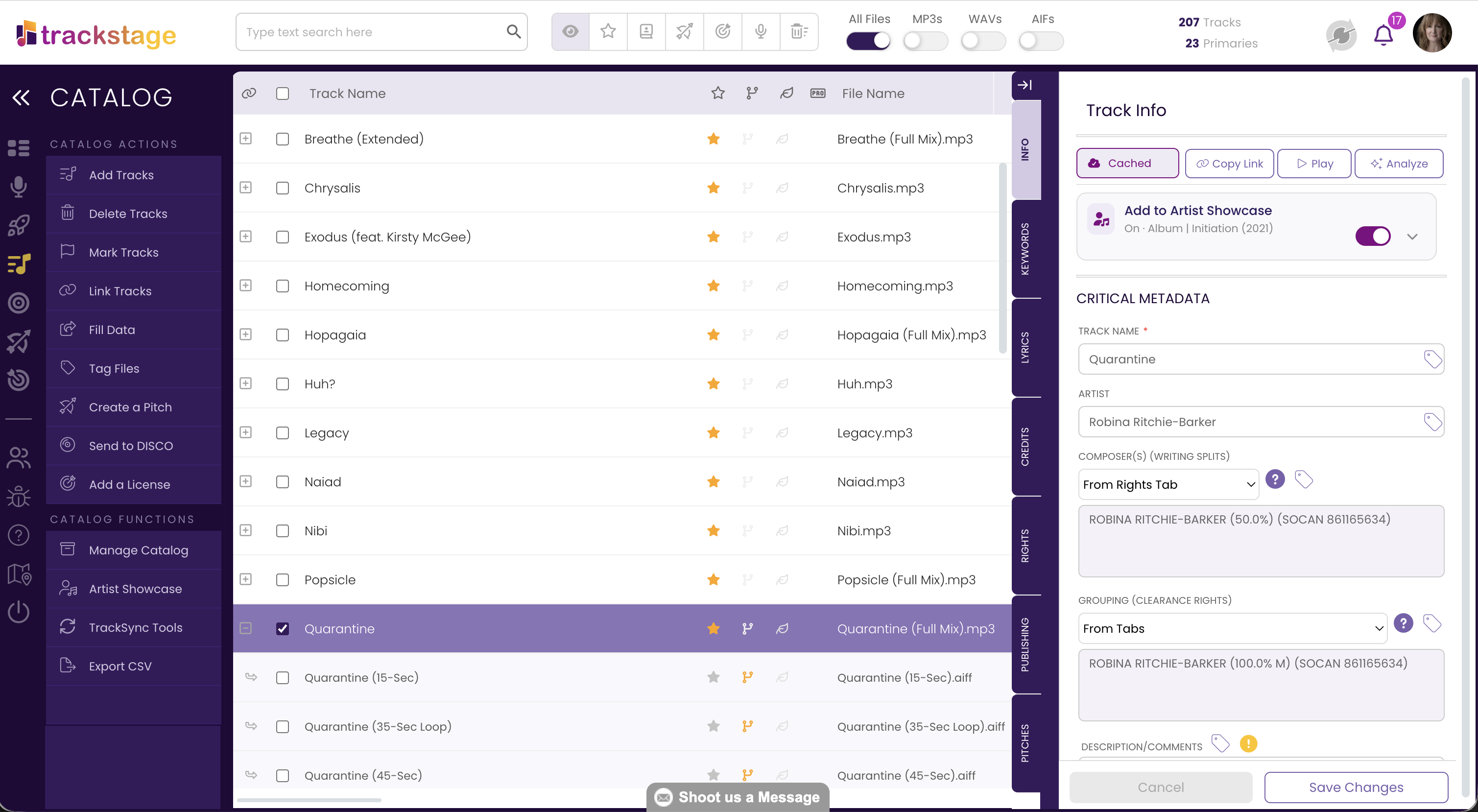
TrackView PLUS handles one track at a time. TrackStage does it for your whole catalog, and keeps every version, stem and split sheet connected to the song.

  • Tag metadata into many files at once
  • Fill Data from a Primary track to its alternates and stems
  • TrackStage GO: final mix to ready in seconds
  • Split sheets, pitching and licensing in one place
Start your free 14-day trial

No credit card required.

The TrackStage catalog