
Help Center Getting Started with TrackStage
Bringing in Your Music
Once TrackSync is connected, your Catalog is ready for tracks. This is the last step in the Getting Started window, and you can use either method at any time afterwards.
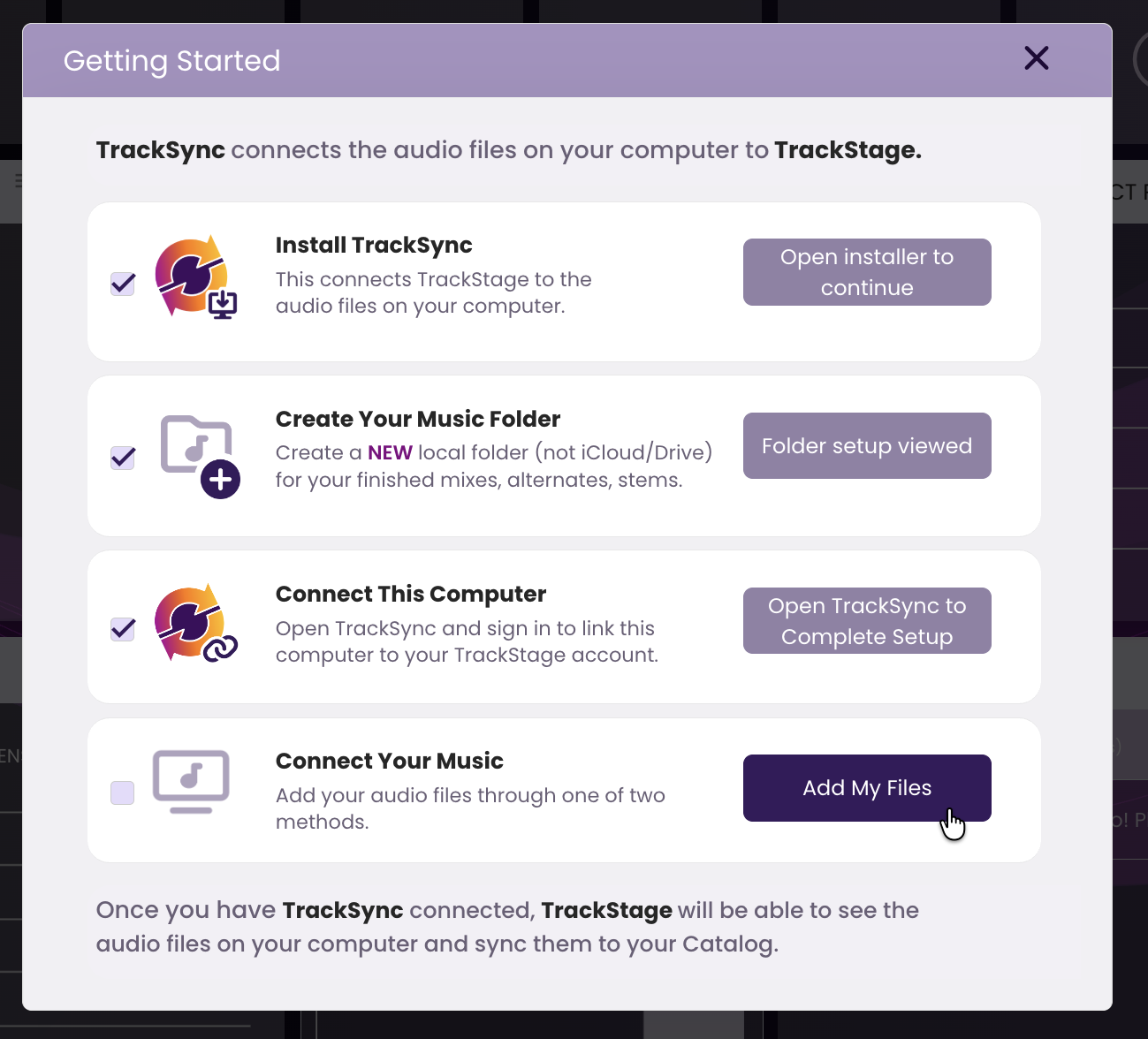
Connect Your Music
Your Catalog is ready — now it's time to get your tracks into it.
- Click Add My Files on "Connect Your Music".
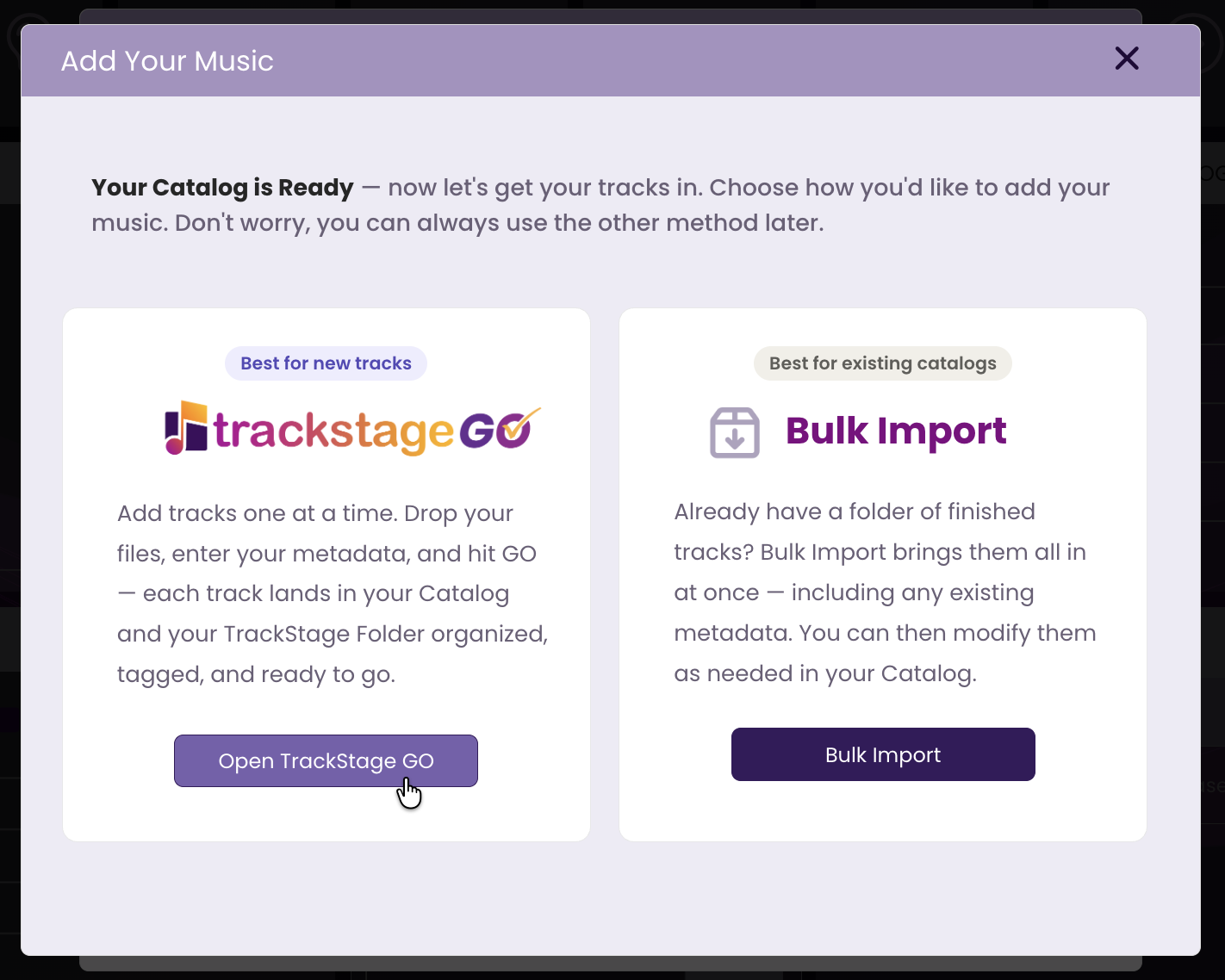
- Choose how you'd like to add your music.
TrackStage GO — best for new tracks. Add them one at a time: drop your file, enter your metadata, and hit GO. Each track lands in your Catalog and your TrackStage Folder organized, tagged and ready to go. See TrackStage GO.
Bulk Import — best for existing catalogs. Already have a folder of finished tracks? Bulk Import brings them all in at once, including any metadata already on the files. You can then modify them as needed in your Catalog.
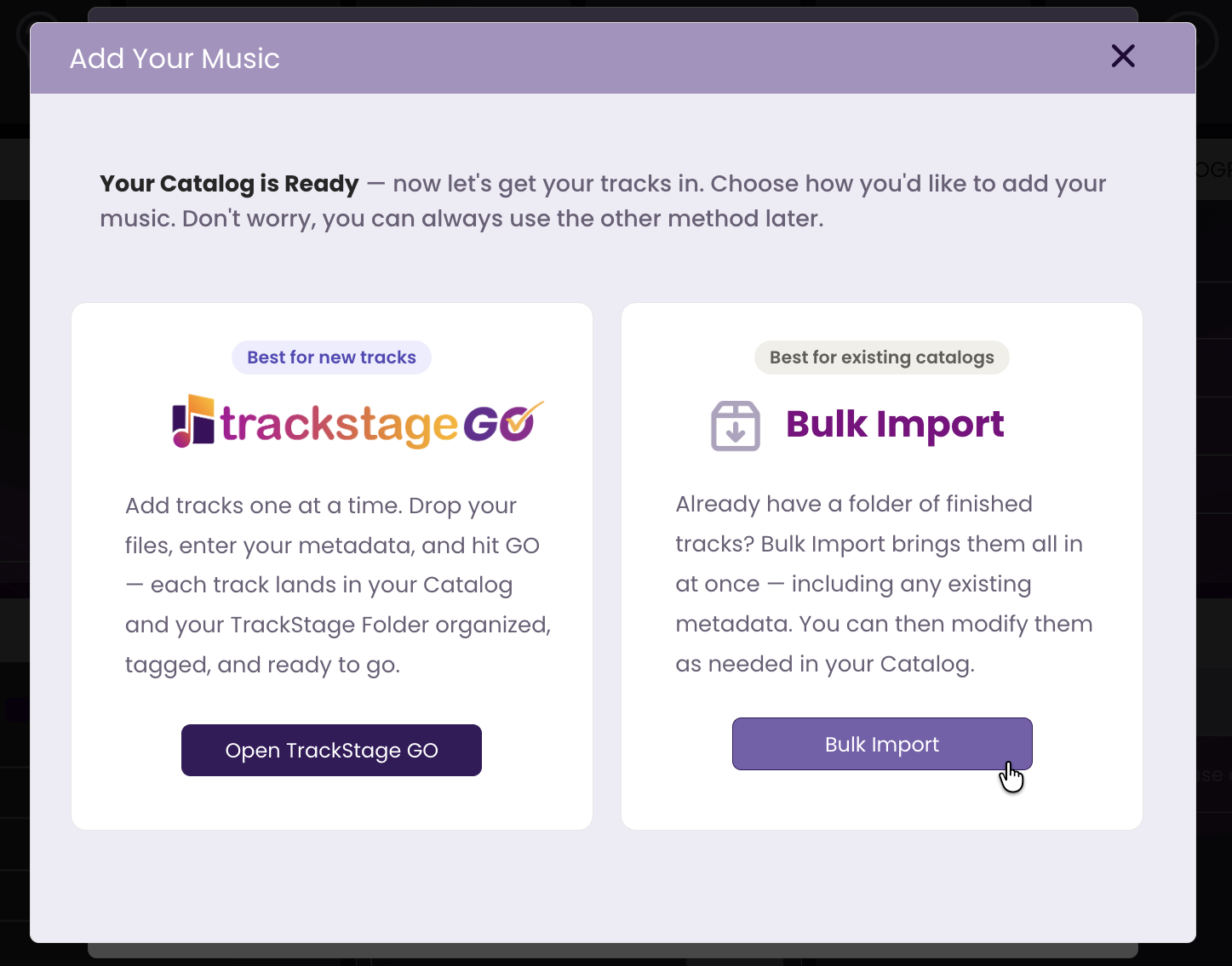
You're not locked in — whichever you pick, you can always use the other method later.