
Help Center The PITCHES Module
Tracking PITCHES
TrackStage tracks when and how a TARGET interacts with TrackStage-created emails and Playlist Links.
PITCH Email Opened
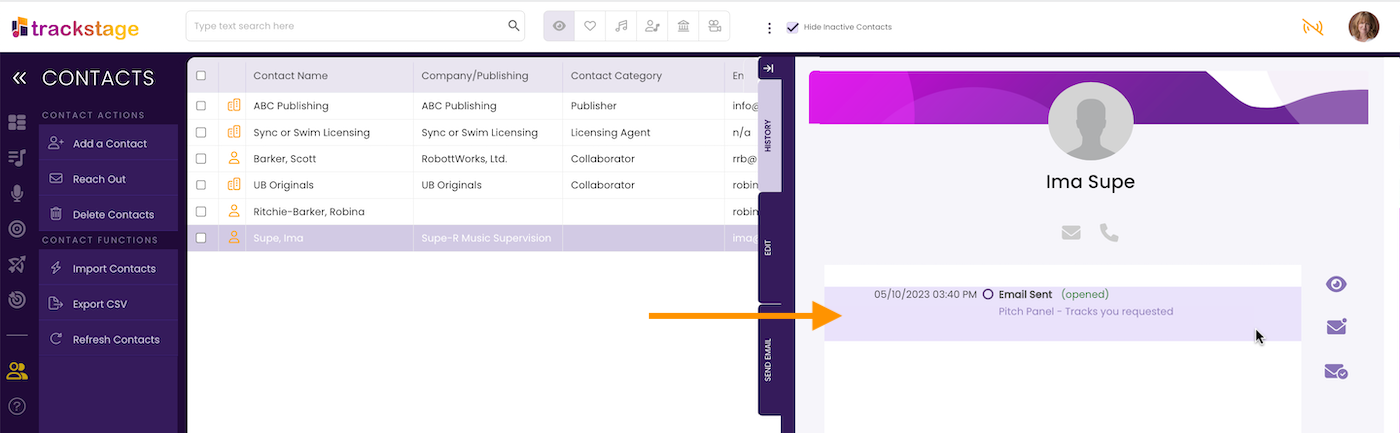
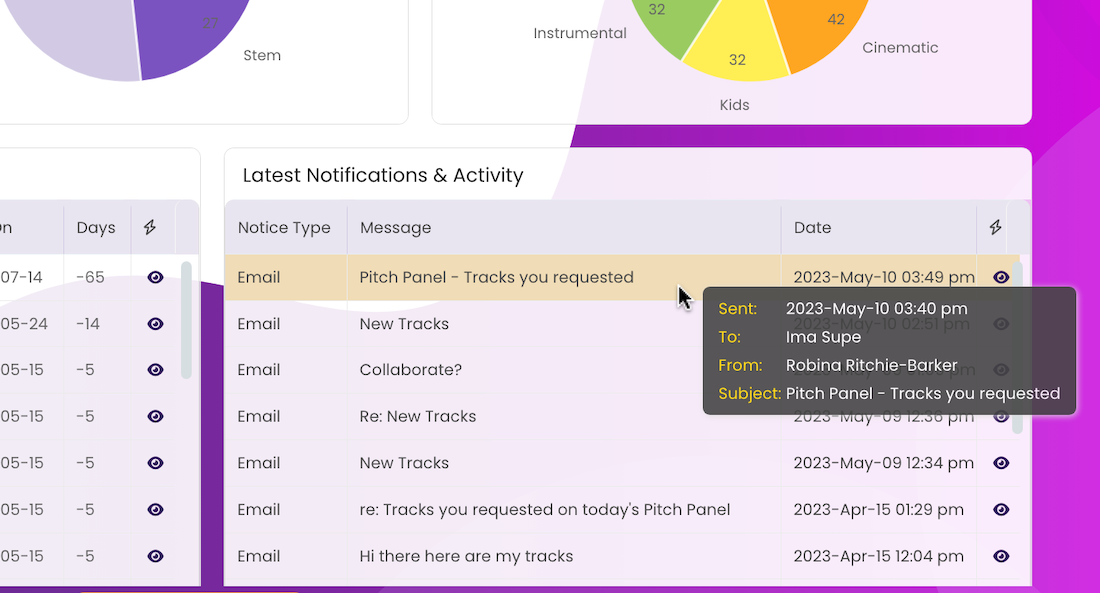
You can see if and when a TARGET opened your PITCH Email in two places:
- In the TARGET’s HISTORY Tab in the CONTACTS module.
- In the Notifications panel on your DASHBOARD
PITCH Playlist Accessed
When a TARGET accesses or downloads a track from the Playlist Link, a few things will happen:
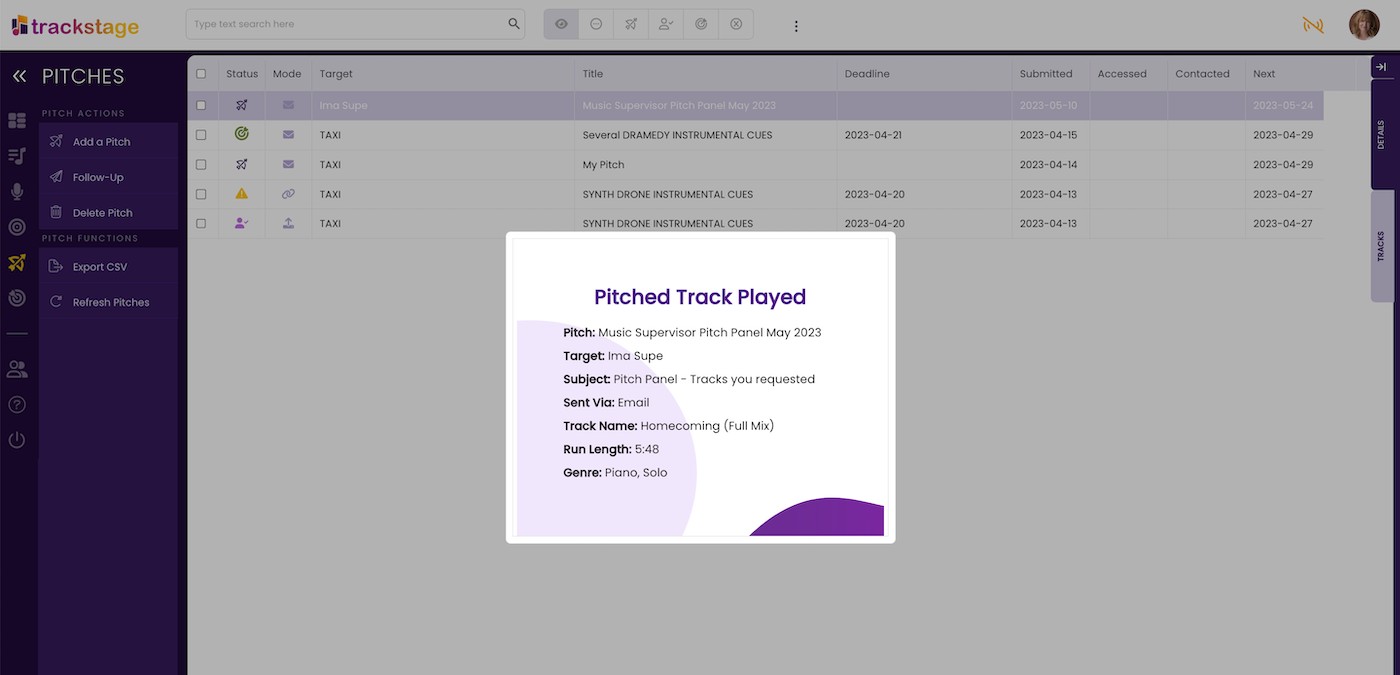
- Real-Time Alert
If you are online with TrackStage when a TARGET listens to or downloads a track on your Playlist, you’ll receive a real-time alert. This will happen for each track in the pitch as it is accessed.
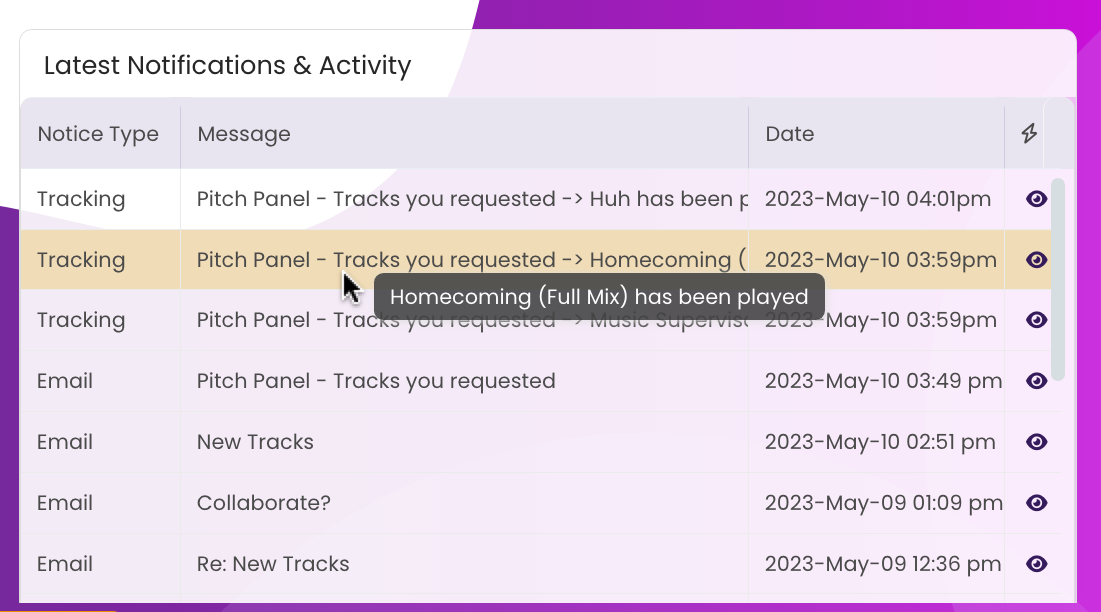
- DASHBOARD Notification
The Notifications panel on your DASHBOARD will display the date and time the track was listened to and/or downloaded.
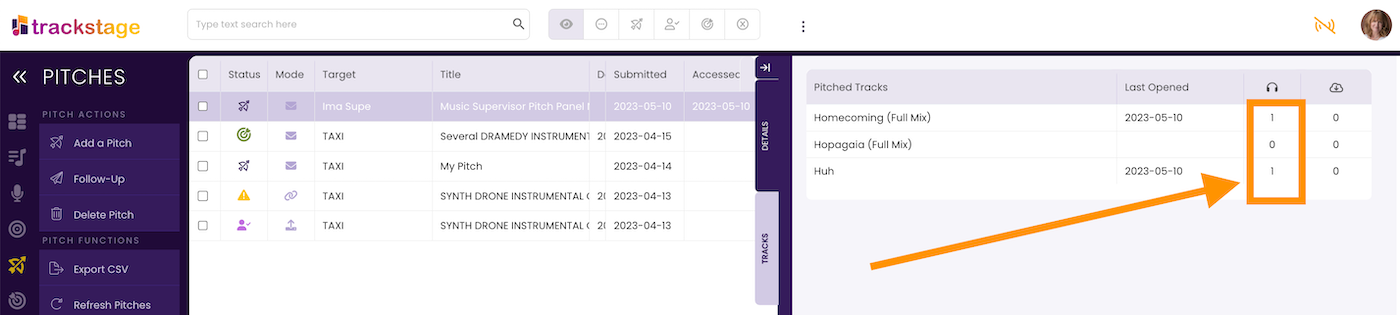
- PITCHES TRACKS Tab
The tracks in the pitch’s TRACKS Tab in the PITCHES module will reflect the activity.
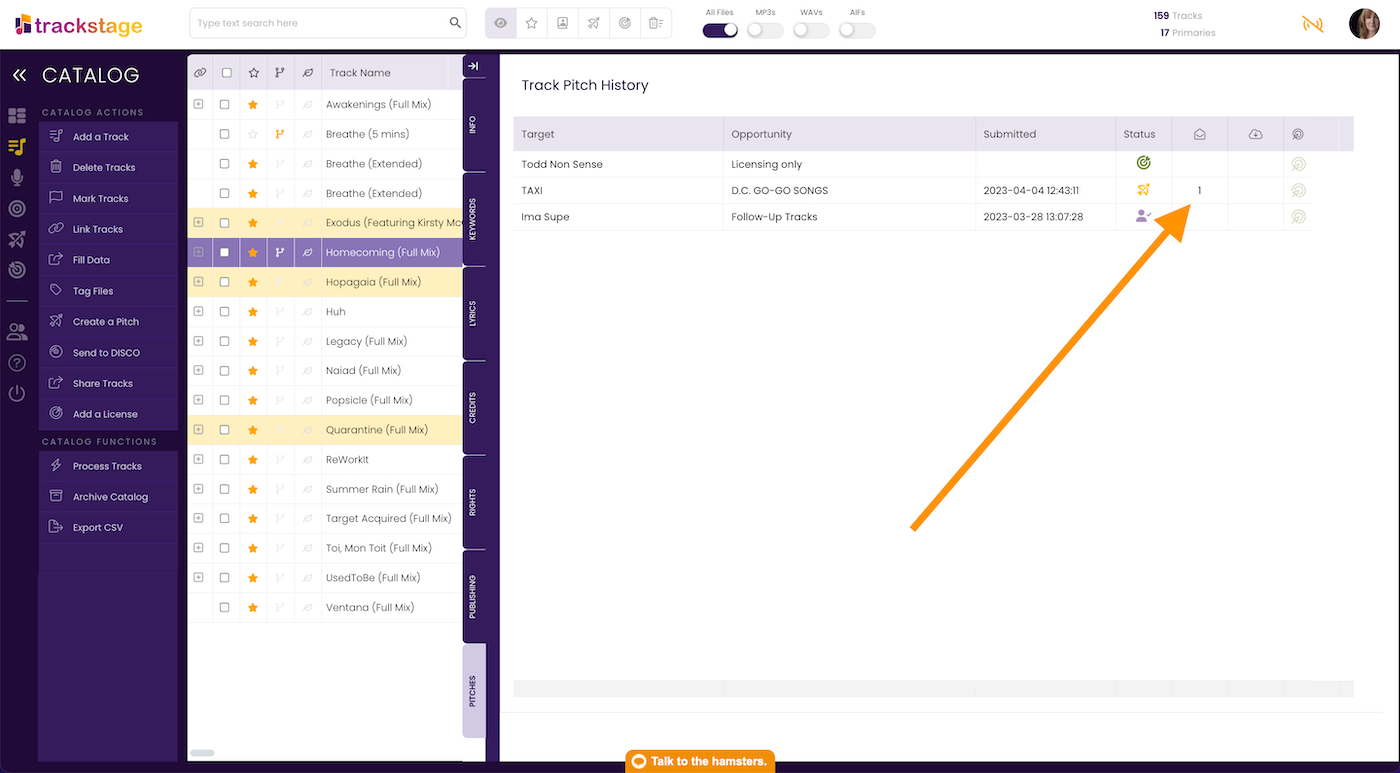
- CATALOG PITCHES Tab
The track’s PITCHES Tab in the CATALOG will reflect the activity.
Checking your PITCHES regularly for activity will enable you to follow up with the TARGET, quickly and effectively striking while the iron is hot.