
Help Center The CONTACTS Module
CONTACTS Messages
With TrackStage’s CONTACTS module, you don’t have to switch gears and jump to a separate email client to connect with your industry contacts.
Sending Messages
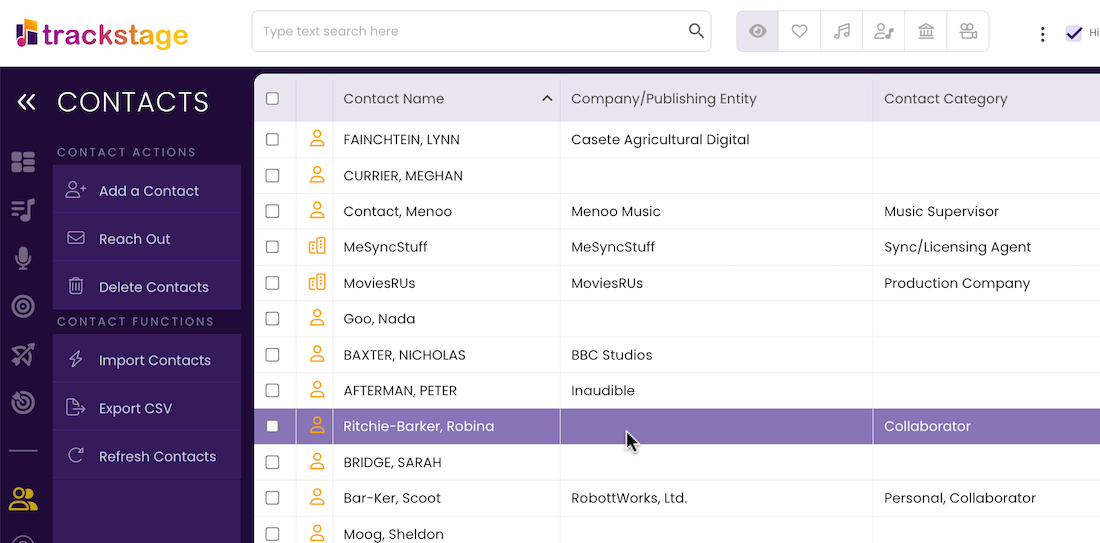
- Select the Contact you wish to message.
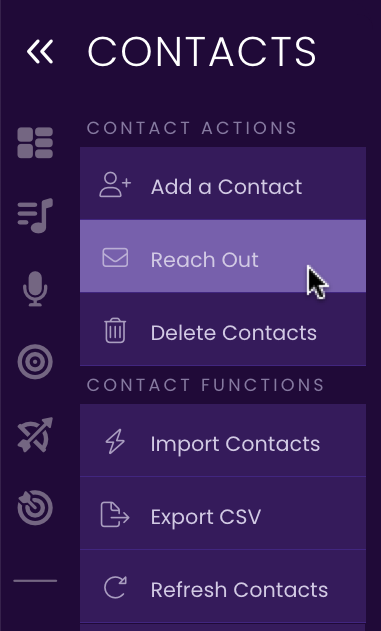
- Click Reach Out.
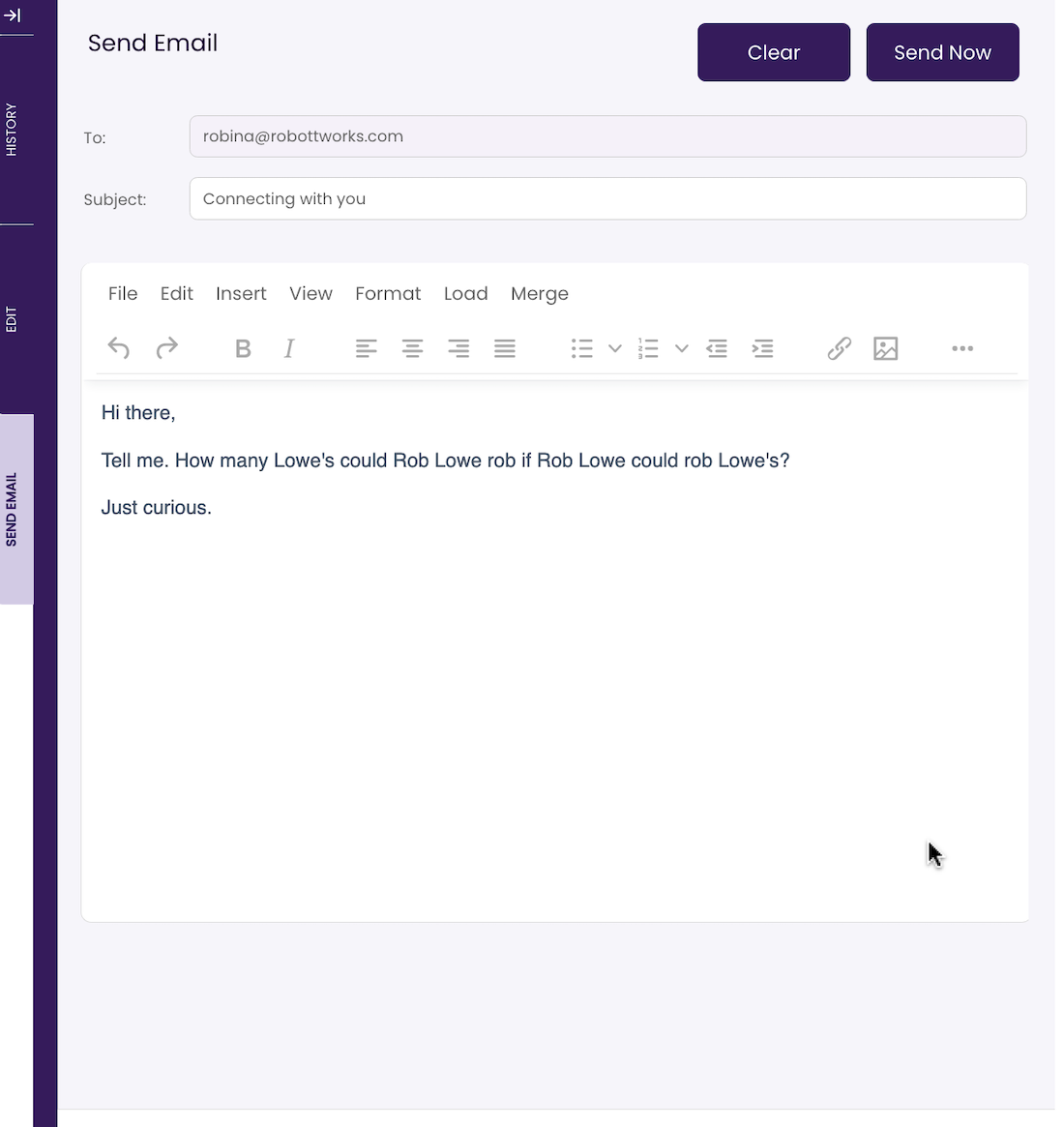
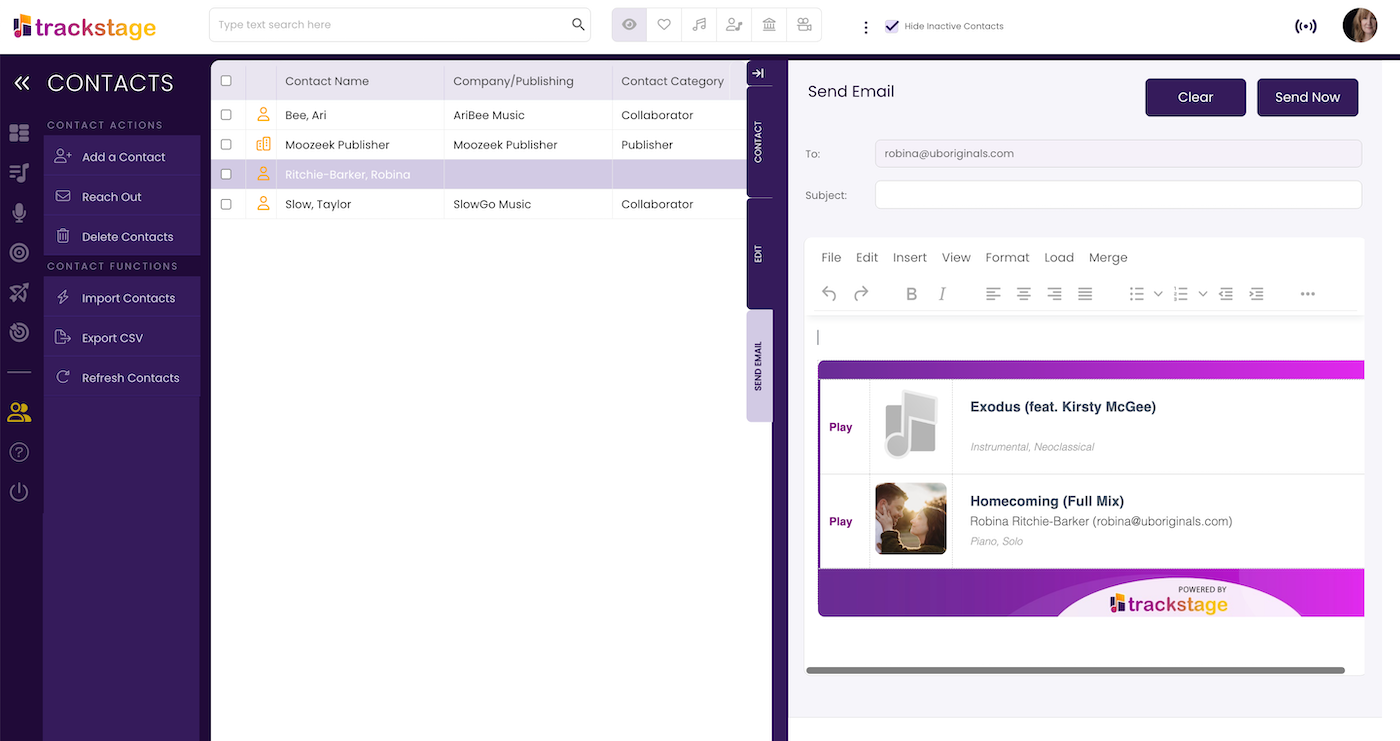
The SEND EMAIL Tab opens. - Complete your message.
Add a Subject line and your message.
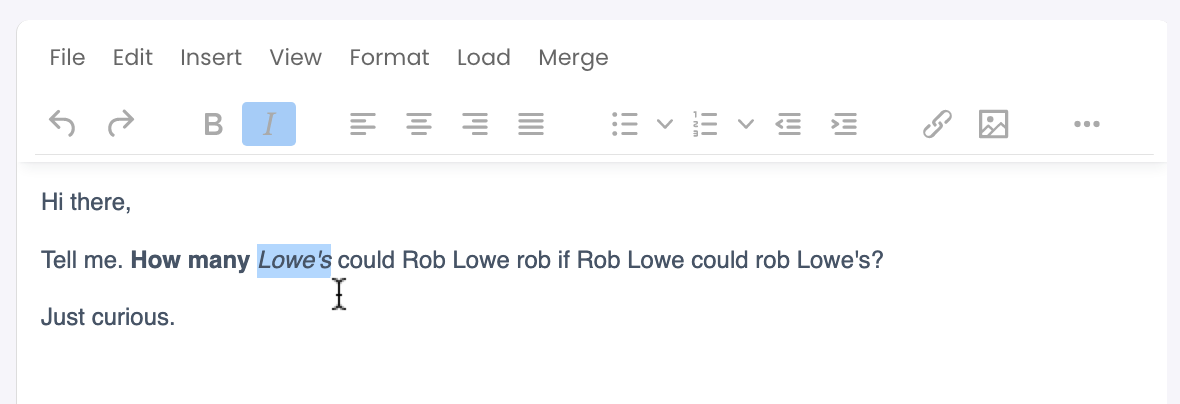
- Format your message as desired.
The Send Email editor offers complete formatting support.
- Click Send Now.
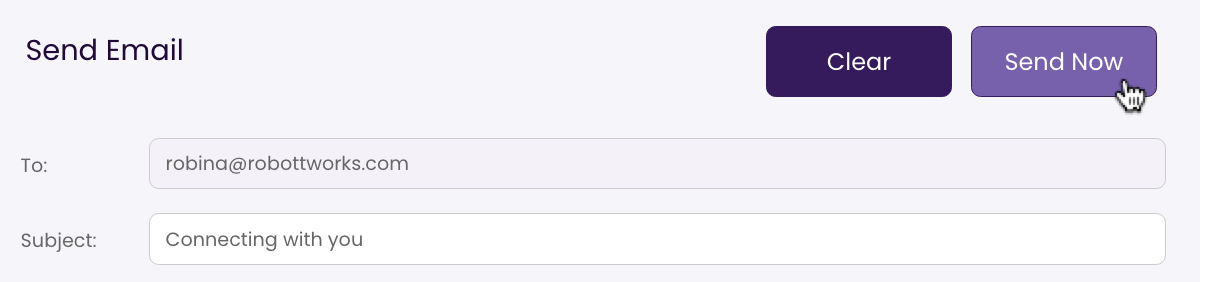
The email is sent to the email address associated with the Contact and a copy is cc’d to the email address you have in your TrackStage User Profile.
Sending Tracks to Contacts
You can send streaming links of your CATALOG tracks to a Contact in a formatted email. See Sharing Tracks.
Receiving Emails
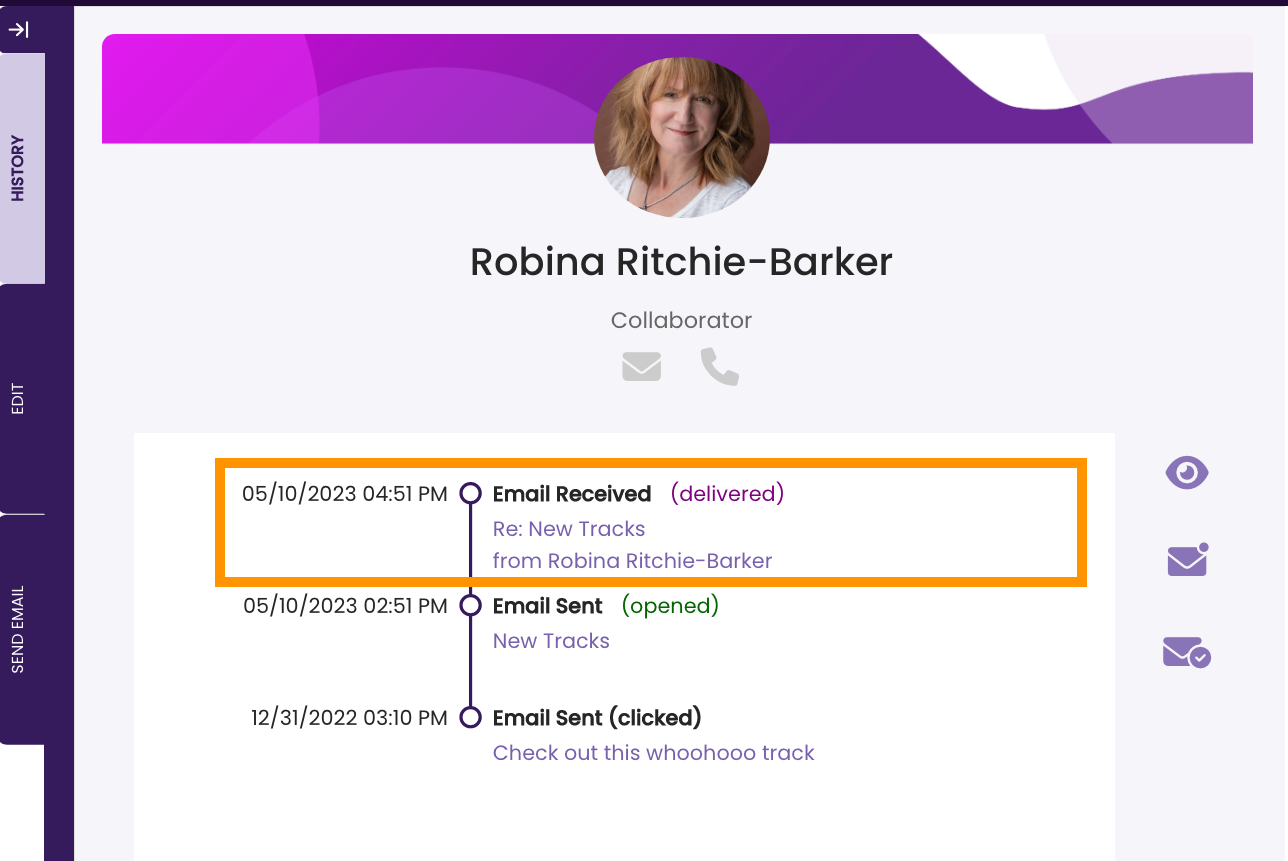
When a Contact replies to an email you’ve sent from TrackStage it will appear in the HISTORY Tab and a notification will appear in your DASHBOARD.
Tracking Contact History
TrackStage’s HISTORY Tab enables you to view the status of emails you’ve sent and when they’ve been clicked on, allowing you to build a comprehensive picture of the communications you’ve had with industry connections.
Message Status
You can identify the status of your messages within the HISTORY Tab.
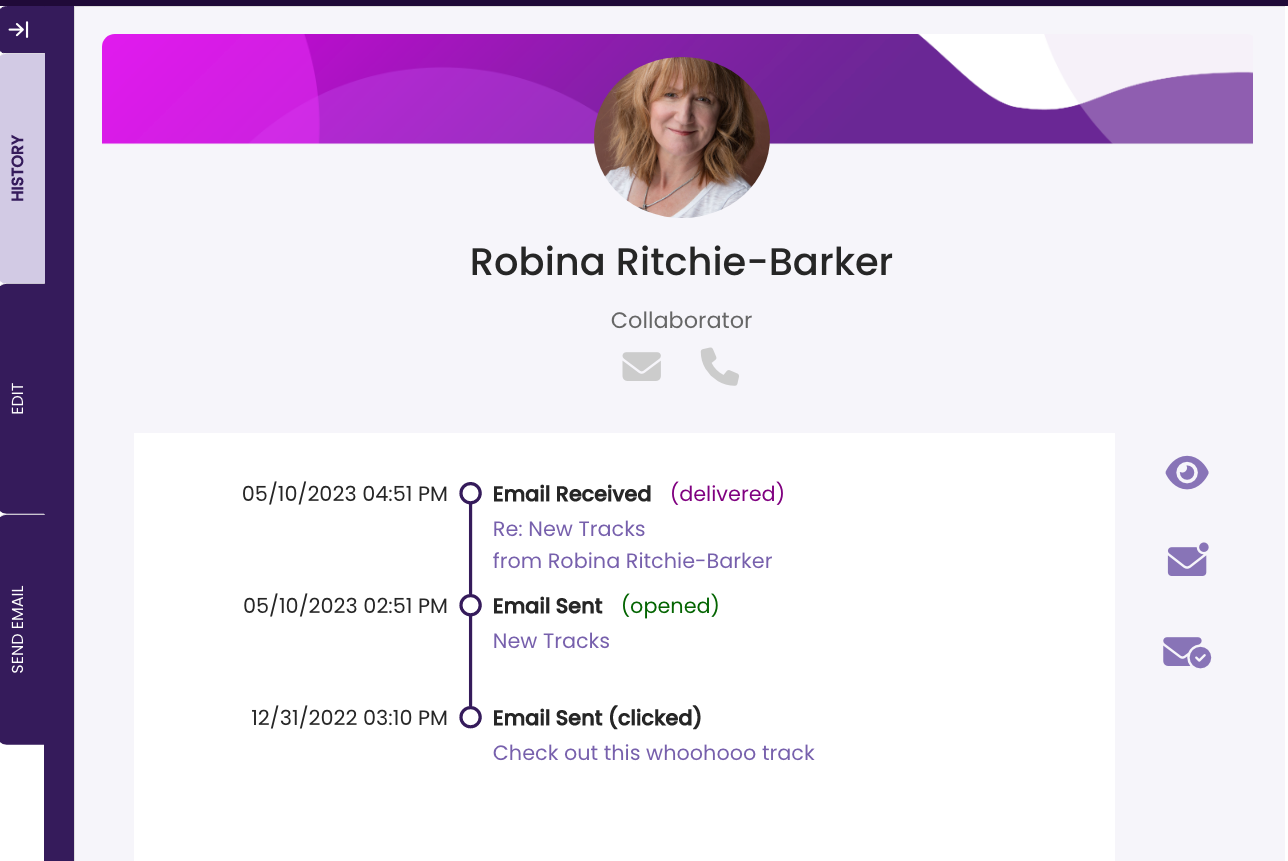
- Delivered
The message has successfully been delivered but not yet opened. - Opened
The email has been opened. - Clicked
The Contact has clicked on one or more of the tracks you’ve shared.
Note that Sharing Tracks does not offer the same level of detail as PITCHING tracks and makes the most sense for sharing tracks between collaborators or colleagues. If you are pitching tracks, you can get a much clearer picture of how a Target has interacted with your tracks by going through the PITCH process. See Tracking Pitches.
Viewing Messages
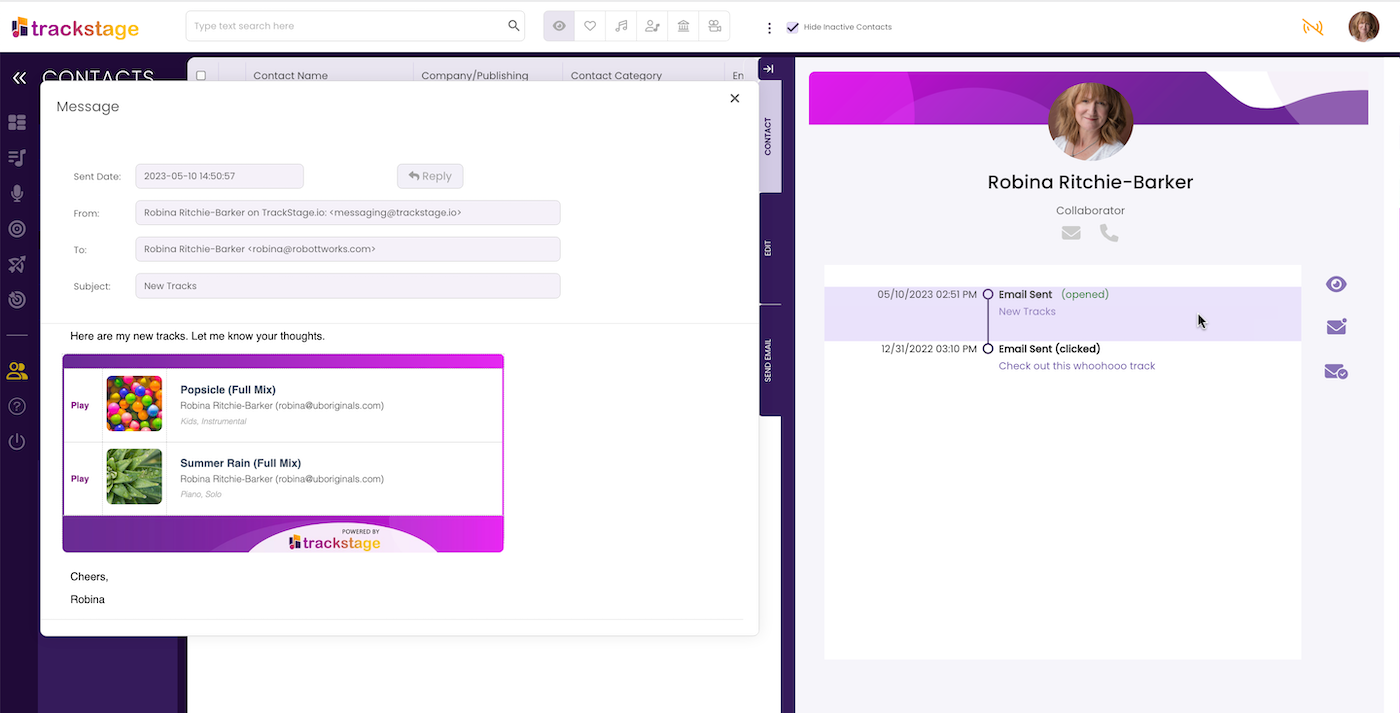
You can hover over a notification in the HISTORY Tab to read the email or you can click to open it.
Icons
There are a few icons in the HISTORY Tab that perform simple functions:
 |
Send Mail Send a message to this Contact. |
 |
Call Place a phone call to this Contact. |
 |
View All View all messages associated with this Contact. |
 |
View Sent View all messages sent TO this Contact. |
 |
View Received View all messages received FROM this Contact. |